Into your
calendar
in a snap.
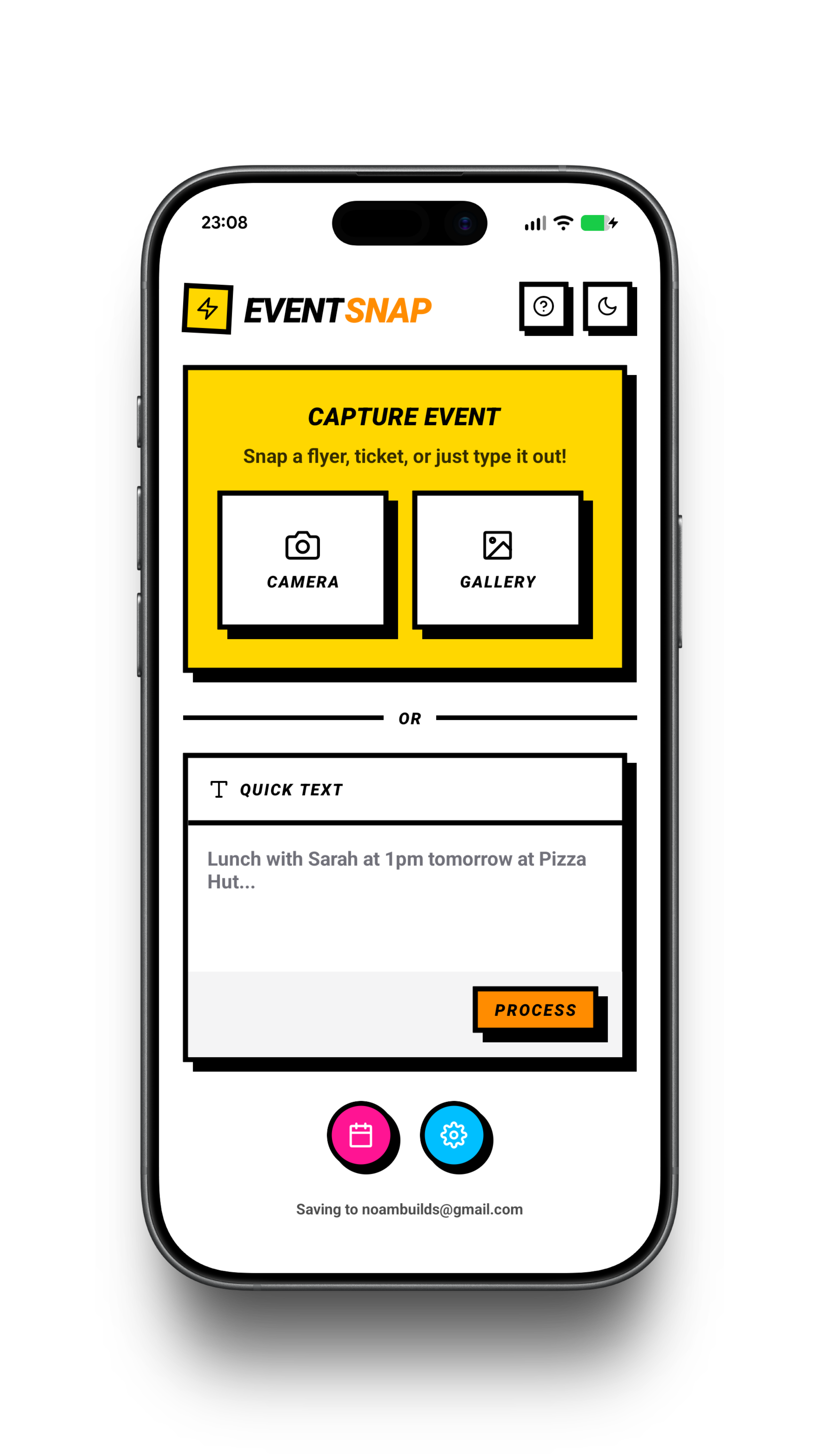
Point your camera at a flyer, paste a ticket, or share anything from another app. The AI handles what, when, and where.
How it works
01
Paste or snap
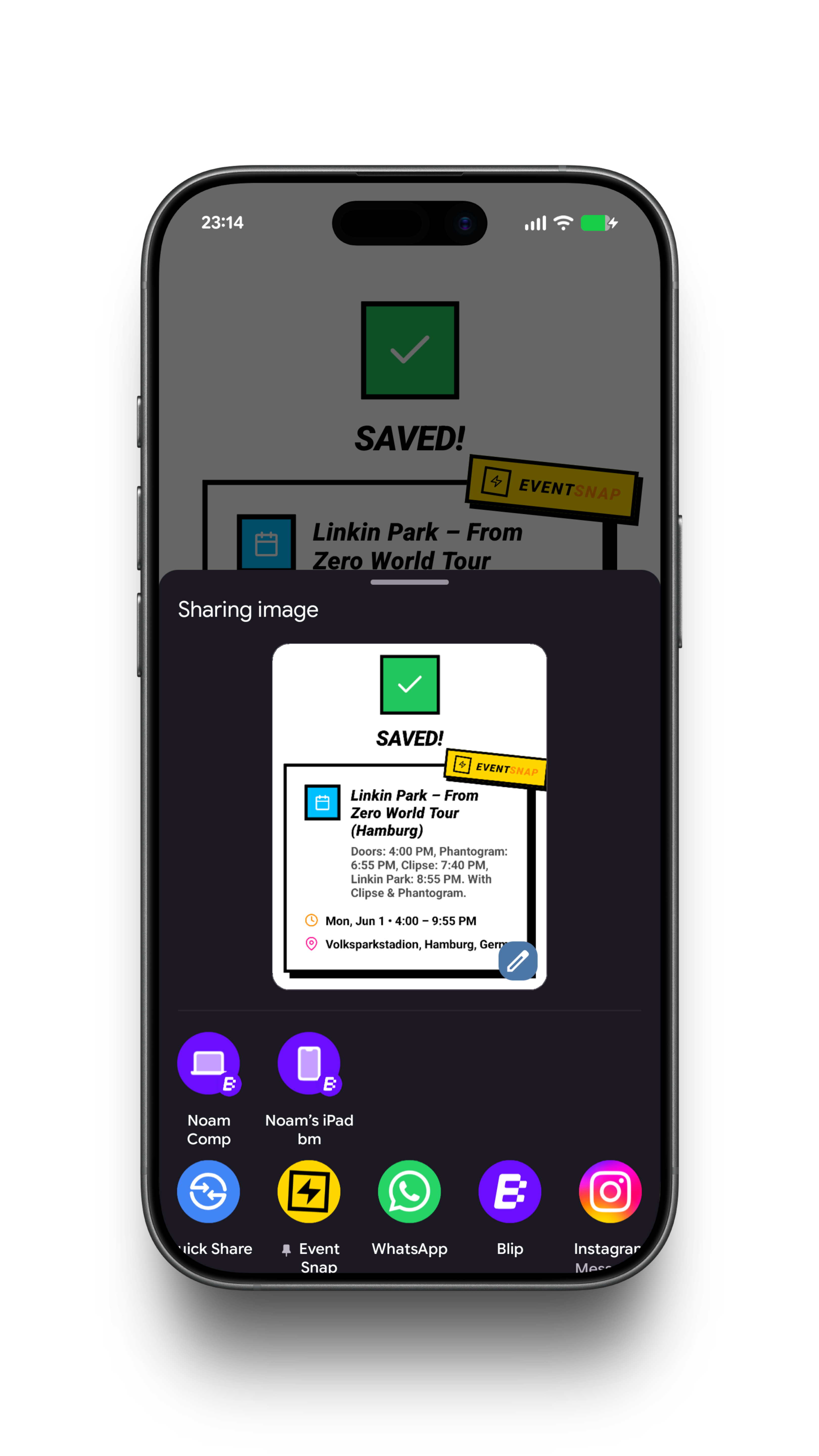
Type, paste, screenshot, or share from any app.
02
AI extracts
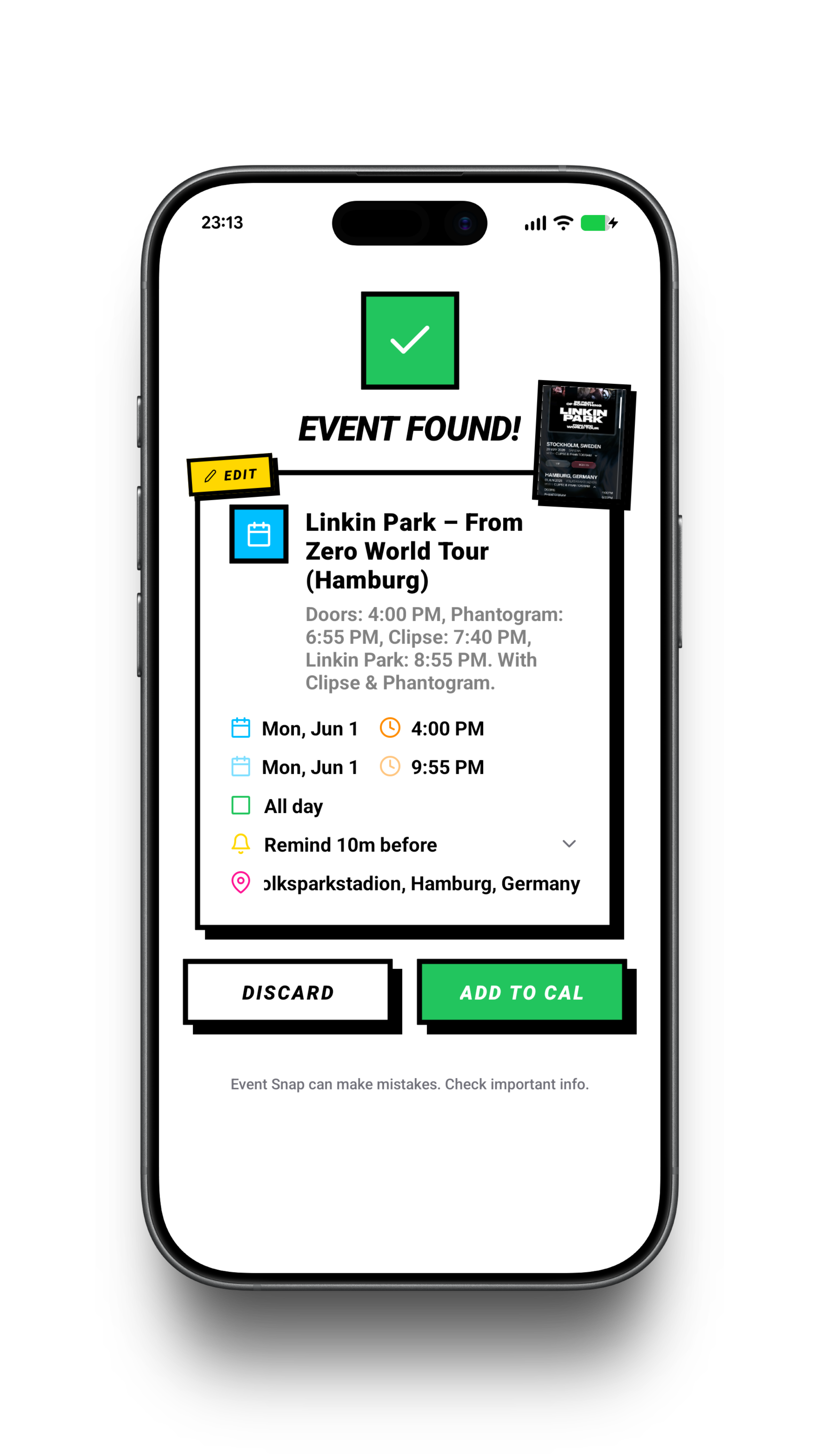
Claude pulls out the title, time, and location in about 2 seconds.
03
Add to calendar
One tap saves it to your existing calendar account.
Why Event Snap
1No account,
No account,
no login.
No password, no signup, no email to confirm. Open the app and use it.
2Plug into
Plug into
your calendar.
Events save straight to the calendar already on your phone: Google, iCloud, whichever you pick. No migration, no new app.
3Your data
Your data
is safe.
Pick how the AI runs. Cloud mode sends the capture to Anthropic's Claude for the fastest read. Or run the AI right on your phone, where nothing ever leaves the device. No Event Snap server either way.
The app
Early access
Be first
to know.
Early access invite, video drops, and the launch link.